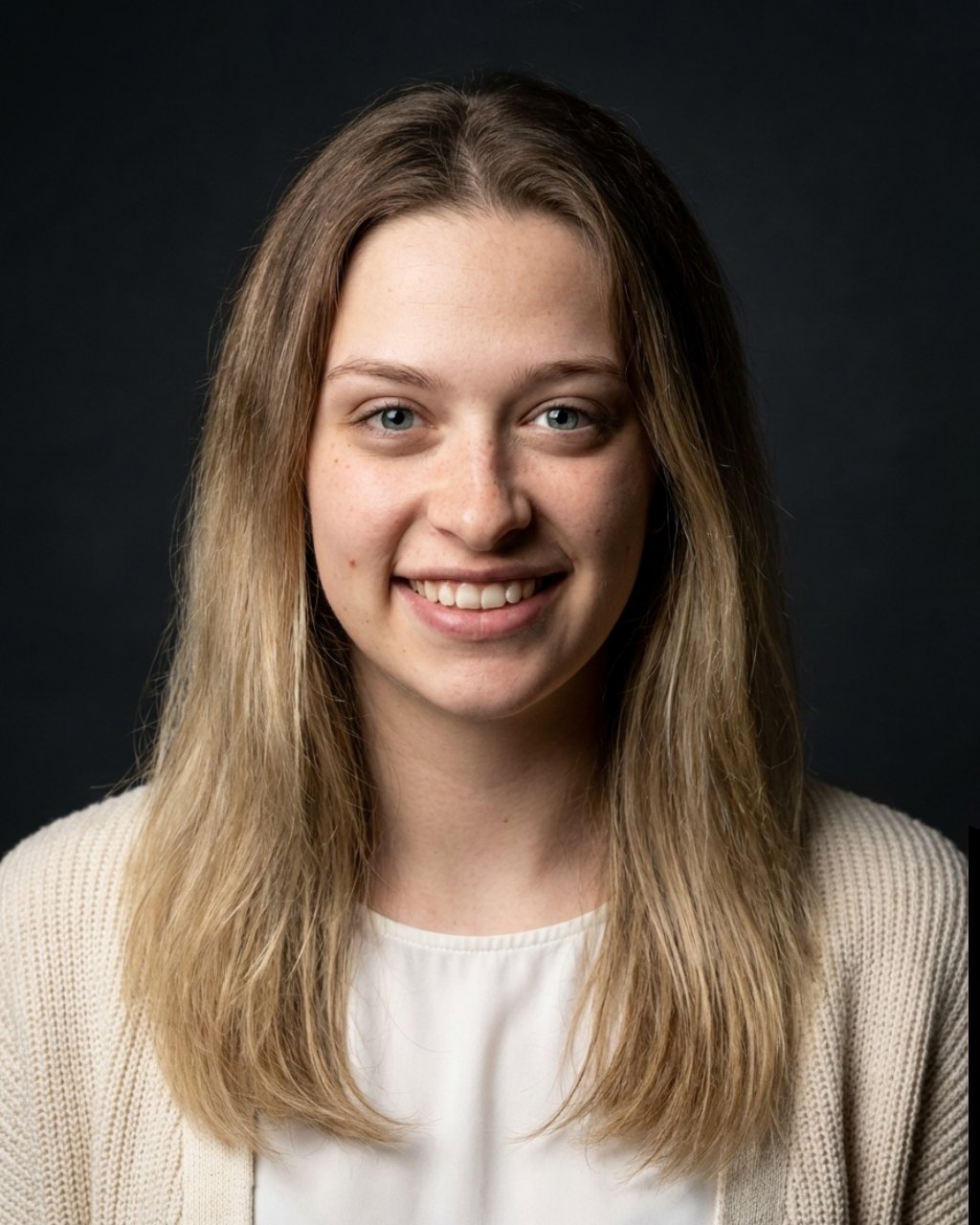

Example result — drag the slider to compare
Professional LinkedIn photo in seconds
Upload one selfie. Get a clean studio-quality headshot.

One photo · Studio-quality AI
“[QUOTE_1]”
— [NAME_1]
“[QUOTE_2]”
— [NAME_2]
“[QUOTE_3]”
— [NAME_3]
Create your headshot
Upload your photo, choose options, generate.
Upload one clear selfie or portrait
Drop or tap to upload
JPG, PNG, HEIC · up to 10MB
Use a clear portrait
Front-facing, good lighting
Your uploaded photo is never stored or used to train AI. Privacy details
Guides subtle identity-preserving rendering
Choose your preferred clothing style
Select the portrait background style
Studio-quality AI headshot in seconds
1 credit = 1 headshot
How it works
Upload your photo, choose your preferences, and generate. Our AI enhances your portrait into a clean, studio-quality headshot while preserving your identity—no distortion, no over-editing.
- Step 1
Upload photo
Use a clear selfie or portrait.
- Step 2
Choose options
Select appearance, outfit, and background.
- Step 3
Generate
AI creates your professional headshot.
- Step 4
Download
Save your new LinkedIn-ready photo.
Why it's useful
Get a professional-looking headshot without a photoshoot. Perfect for LinkedIn, CVs, and online profiles—fast, simple, and realistic.
- LinkedIn profiles
- CV & resumes
- Business profiles
- Personal branding
Use cases
Designed for professionals, job seekers, freelancers, and anyone who needs a clean, trustworthy online presence.
Job seekers
Stand out with a polished CV photo.
Professionals
Upgrade your LinkedIn presence.
Freelancers
Build a strong personal brand.
Everyone
Look more professional online instantly.
Ready to generate?
Upload your photo and get a professional headshot in seconds.
Blog
All articles →What Makes a Good LinkedIn Profile Photo? (2026 Guide)
LinkedIn profiles with a photo get 21× more profile views. But 71% of recruiters have rejected a candidate based on their photo alone — before reading a single word. Here's what separates a great photo from a bad one.
Read article →LinkedInLinkedIn Profile Photo Guide 2026: What Recruiters Actually See
87% of recruiters use LinkedIn as their primary hiring platform and spend 30 seconds on a profile before forming a judgement. Here's the research-backed breakdown of what they actually look at — with Photofeeler data.
Read article →PricingHow Much Does a Professional Headshot Cost in 2026?
The US median is $250. NYC and LA run $350–$900+. But 74% of packages include 3 or fewer final images. Here's the full cost breakdown by city and tier — and when AI makes more sense than booking a photographer.
Read article →